Welcome to week 4, welcome to a black and white video (black and white not like our first video but because of the colour grading). The task for this week was to recreate the scene from Persona (1966) being careful with directing and lighting, being meticulous with planning the shots and the mese-en-scѐne.
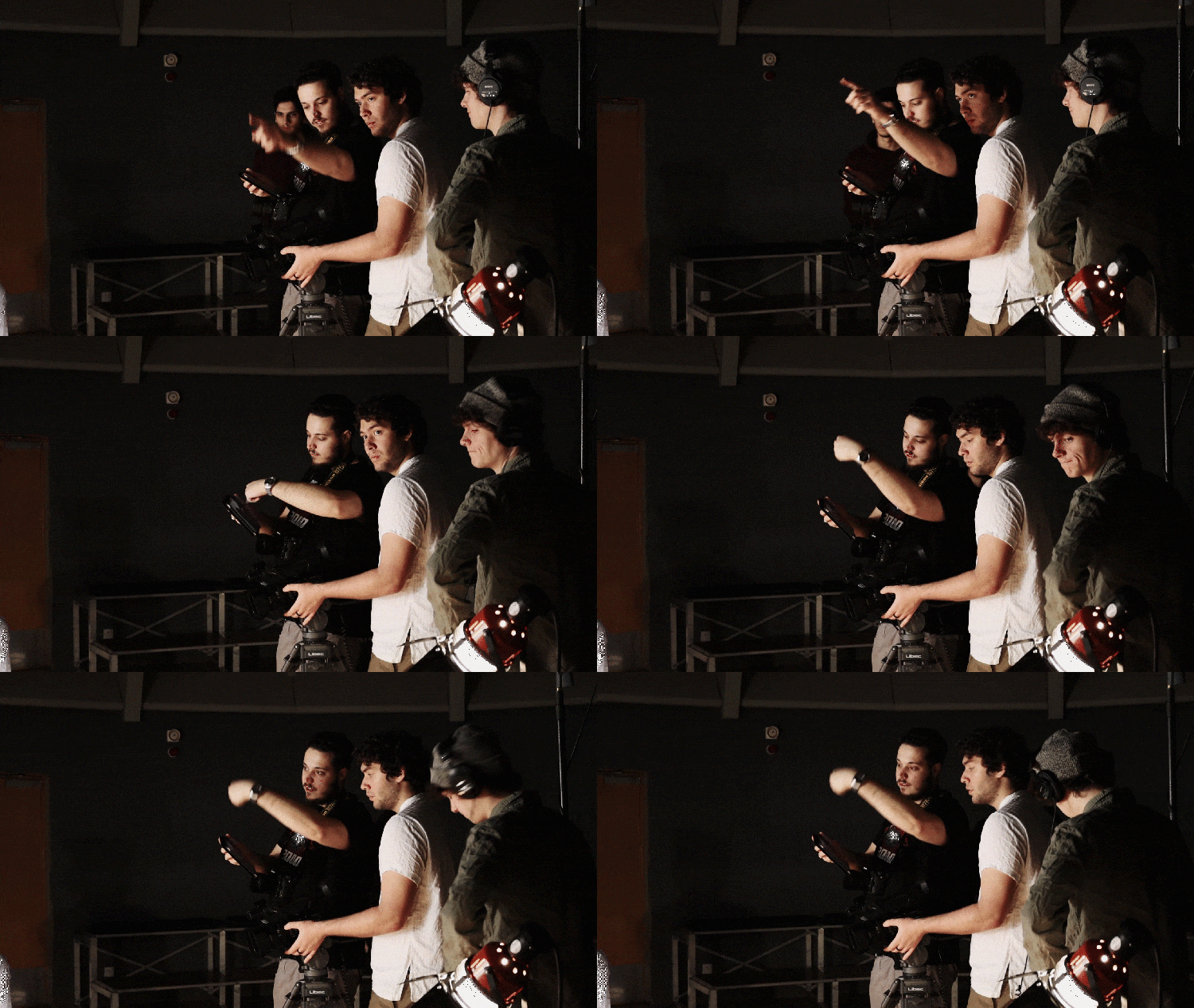
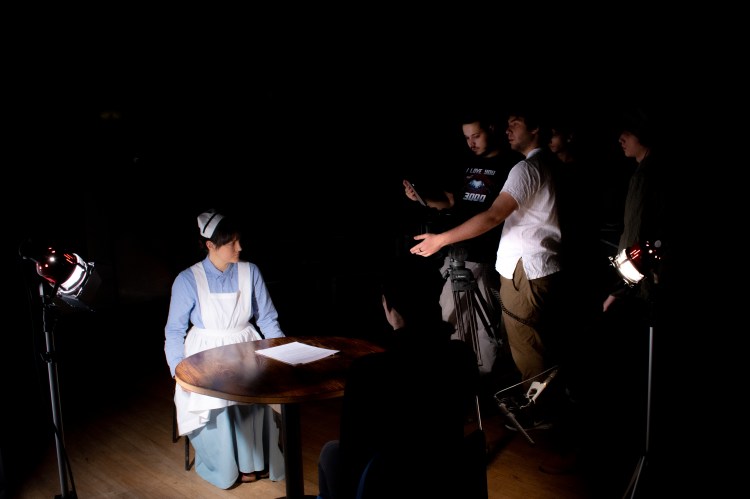
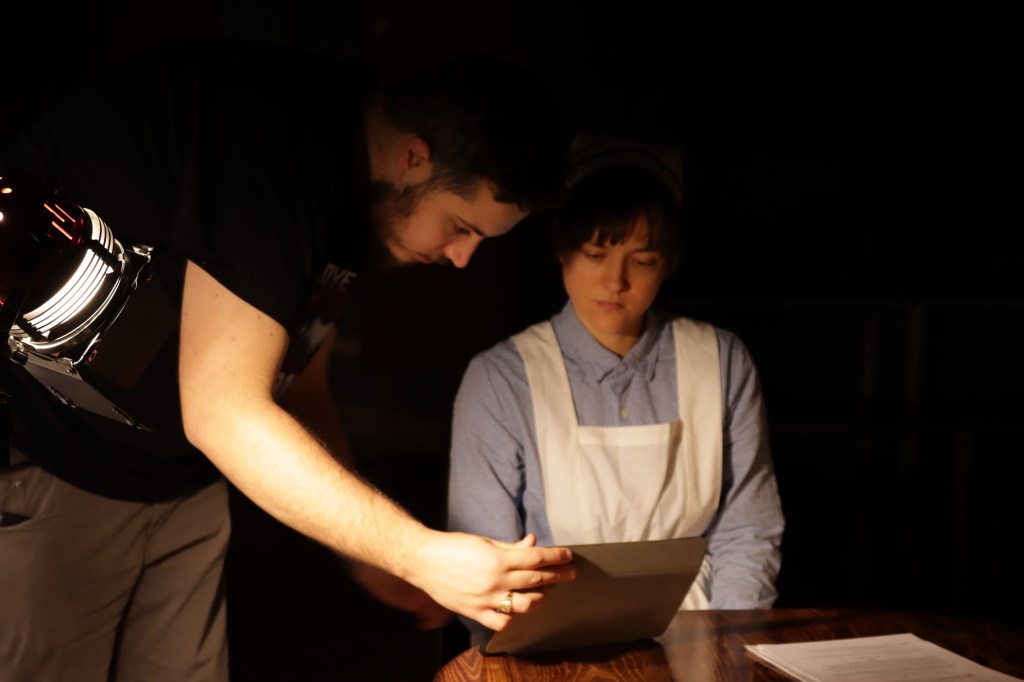
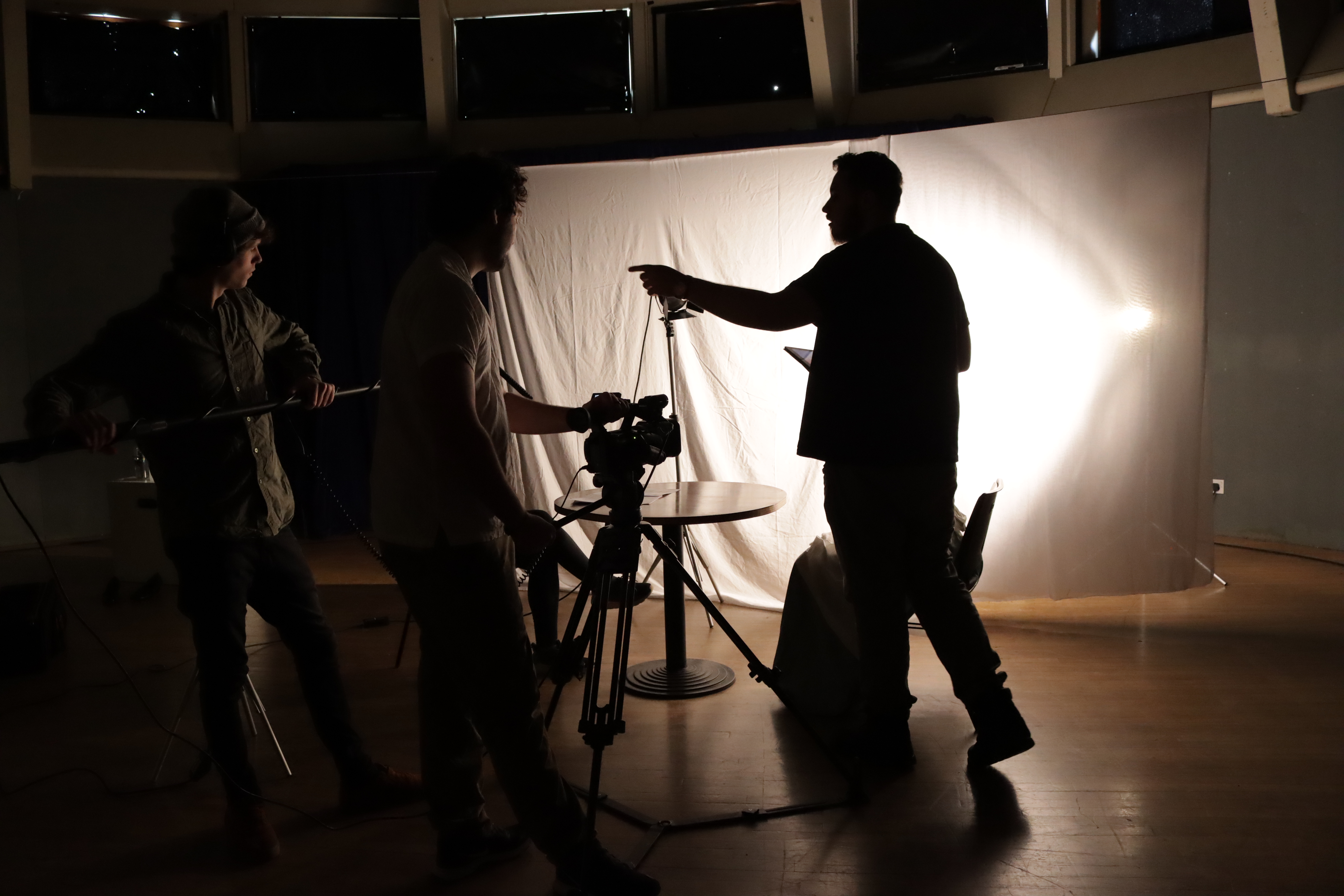
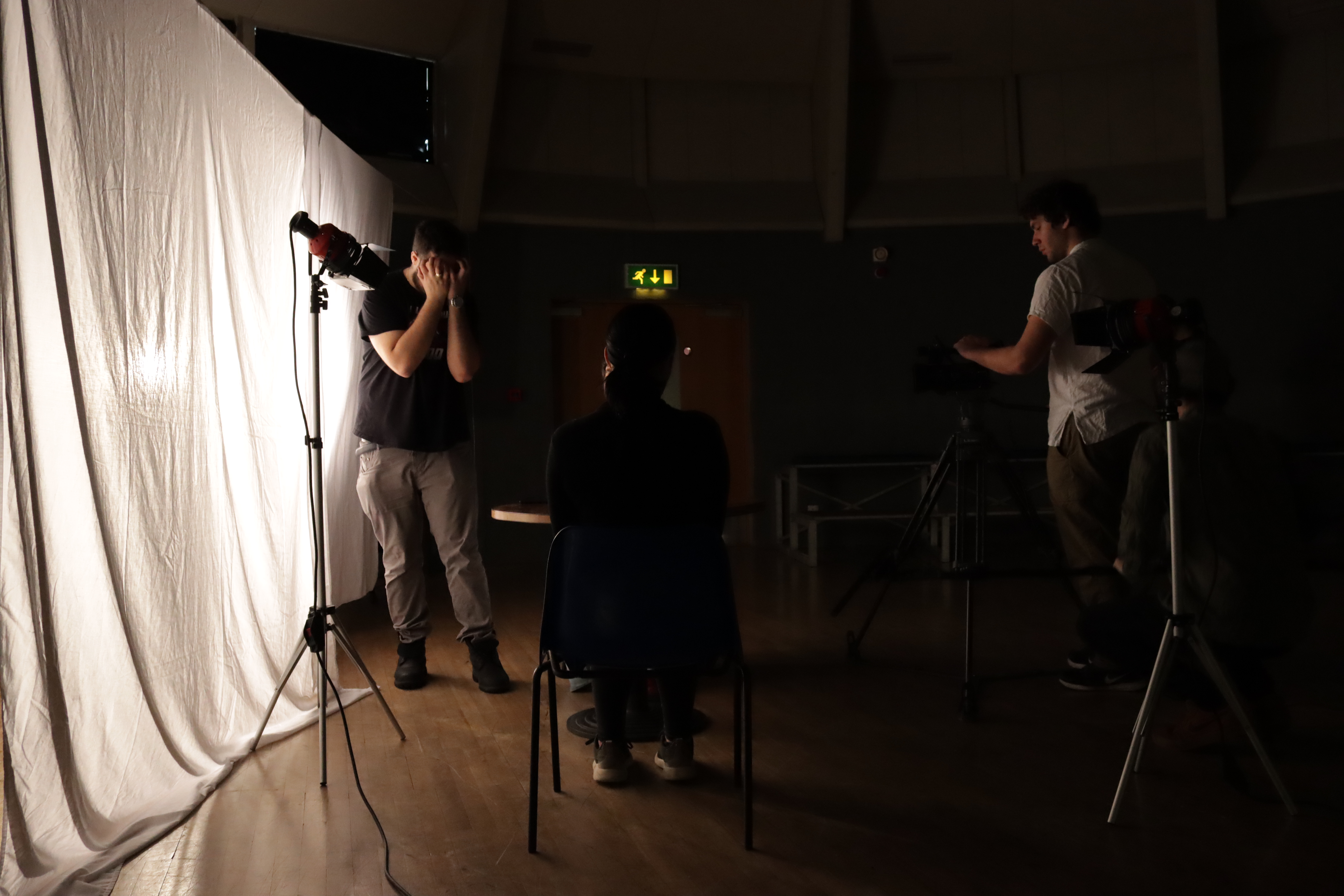
This week I had the role of Director and Colourist. During the phase of pre-production, I prepared my self for this important role, Director. To make sure to convey the emotions and the message of this scene, I watched the video clip several times, analysing the movements, the facial expressions and vocal expressions of the actresses. I wanted to replicate the scene perfectly, maintaining the intention of the message that the original director (Ingmar Bergman) wanted to give. It may seem easy to do but it isn’t. Like for paintings, replicate is, sometimes, more difficult than reinterpreting. For each part of the scene I tried a way to explain to the actresses how I wanted the scene to be; for example, “move your leaps like you are praying, but without doing any noise” or “now you are giving attention to what she saying, now you are starting to give importance to what she is saying”. Lighting was another important detail of this scene, I tried to have big attention this. During the filming day, we spent a lot of time setting the lights, also because it was the first time we worked with lights. What helped me a lot was the storyboard, I always had on my hand the storyboard to use with the cinematographer and the actresses as reference. A big help was having a line producer, have someone that gives you the timing and tells you which shots you have left saves your mental health (and the short film). We had just two hours to film this short movie and we spent a lot of time setting the lights; however, at the end of those two hours, we had all the shots on the drive.
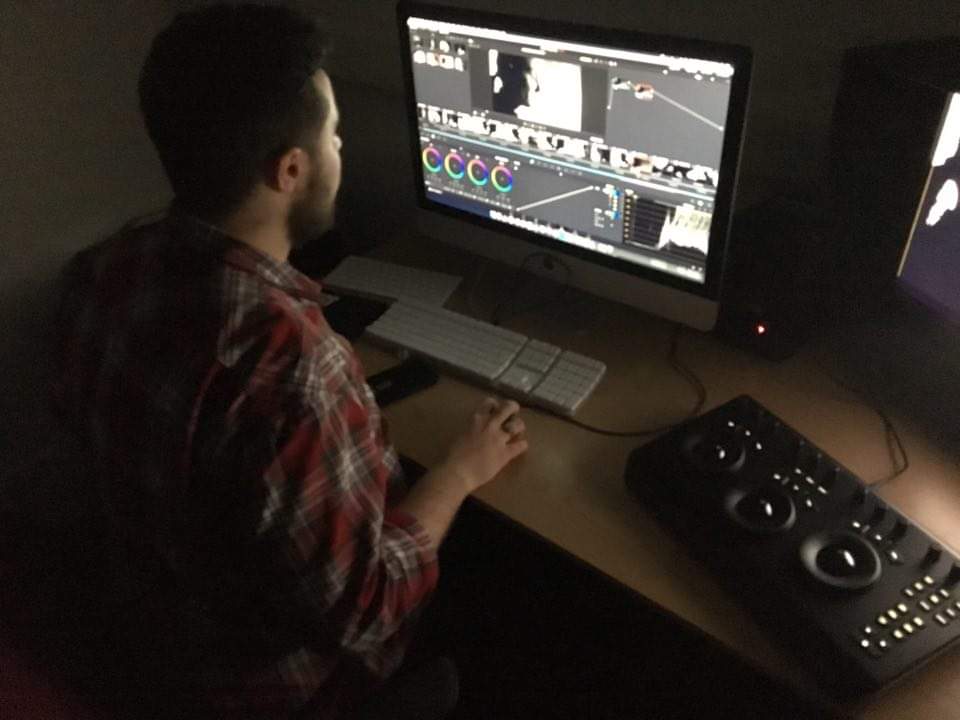
During the post-production, I supervised the editing, but what is more important, I did the colour correction and grading. For the first time I used DaVinci Resolve, I used it just once time before to see how to import the sequence from AVID Media Composer and check the interface. For our “persona” we chose (in pre-production) to use the aspect ratio 4:3 (1.33:1), similar to the one in Persona (1.37:1). For this short film, I wanted a black and white and not grey tonalities using a filter. Do a black and white is not easy as it seems, If not do properly you can lose details and have noise (especially in blacks) or burn the image (in whites and bright parts). It wasn’t the first time I did a black and white, as a street photographer I usually edit my pictures in black and white. However, with photos I work on RAW files, this video was shot in REC.709 (it is preferable to have a LOG or RAW file) which is not the ideal for colour correction. I worked on a calibrated monitor using the Black Magic Pad in a dark room, even though for a good colour correction it is the ideal to have walls painted with 18% grey and light at 65K (65000 KELVIN) in a dark room (to make it easier).
From this week I learnt a lot. I learnt the importance of having a storyboard and of having a line producer, I learnt how to work with actors and how to be a quite good Director. I would probably change some shots, like the slapping one and the one with the blood. Overall, I think we worked well and I can say we are proud of it.

 Diet Coke Productions